
All Cursor Packs
Browse our full collection of custom cursors. Find your next favorite style and install it for free.
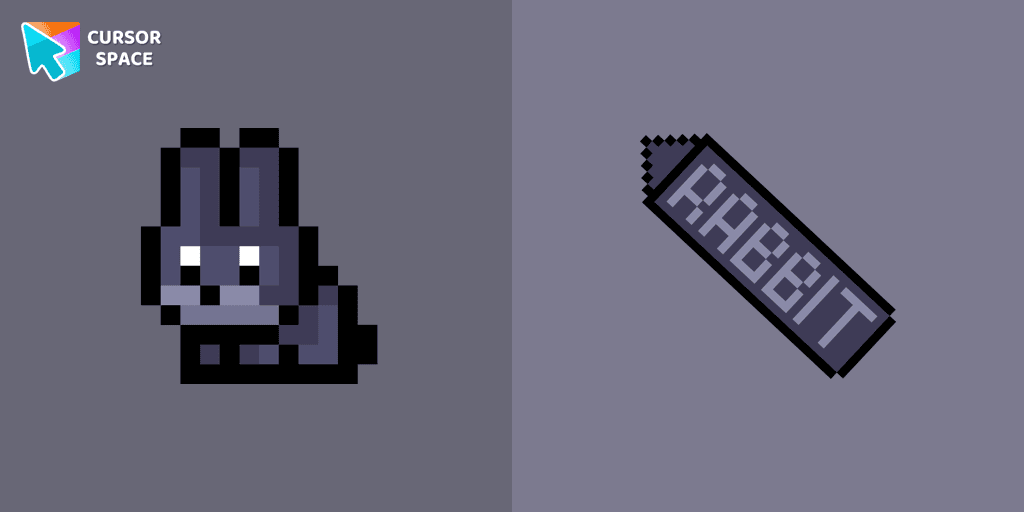
Black Rabbit Pixel cursor
80FreeThe Black Rabbit cute cursor in pixel style is the perfect addition to your desktop for the holiday season.
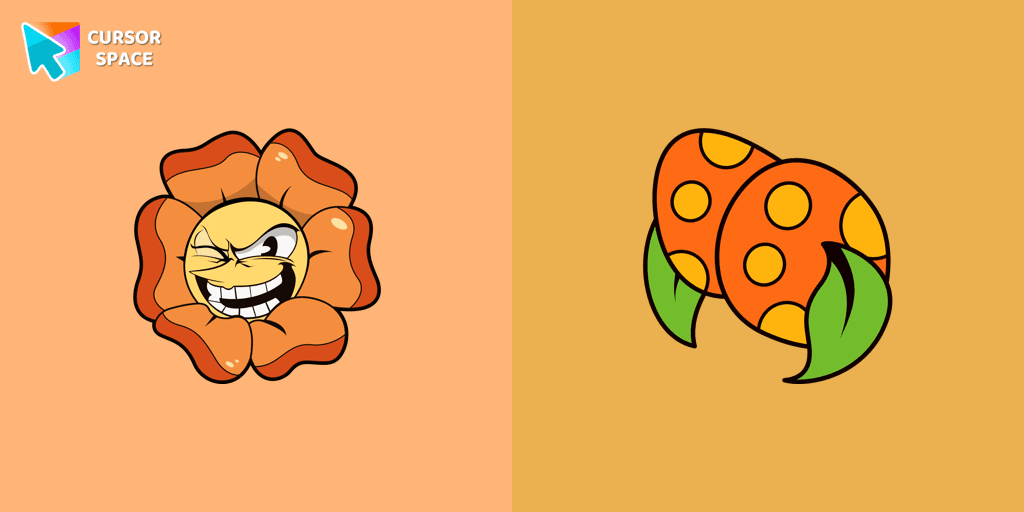
Cagney Carnation cursor
79FreeExperience the Cuphead custom cursor for Google Chrome with Cagney Carnation. Watch as this cute flower transforms, revealing its true personality in style.
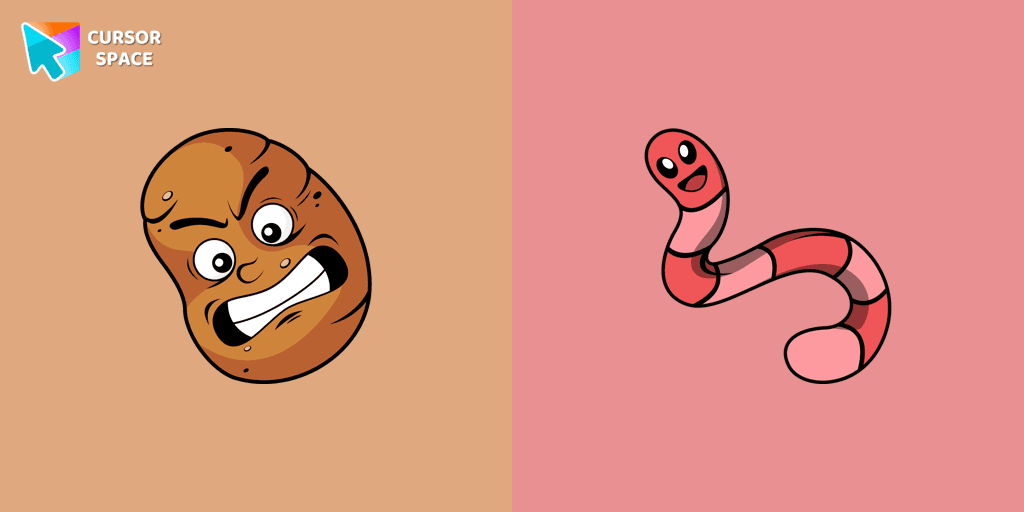
Sal Spudder cursor
79FreeThe Sal Spudder cursor is a fantastic addition to our cursor collection. With its unique design and eye-catching artwork, this cursor adds a touch of personality and flair to your browsing experience.
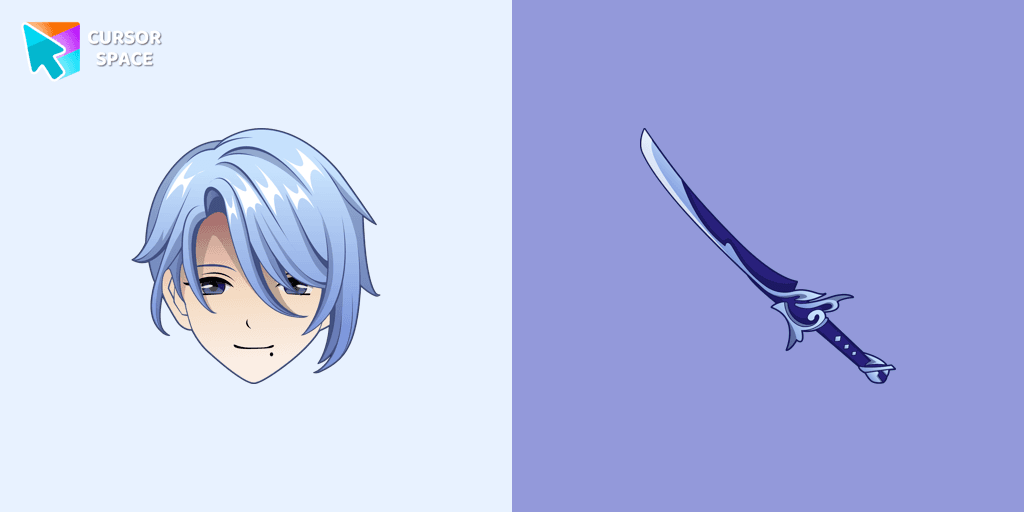
Kamisato Ayato cursor
79FreeKamisato Ayato custom cursor from our custom cursors collection for Chrome will change your default mouse pointer to the Genshin Impact character.

Captain Brineybeard cursor
79FreeTransform your cursor with the Captain Brineybeard custom cursor for Google Chrome. Enjoy a fun pirate ship animation with sails and a flag!

Mr. Chimes cursor
79FreeMr. Chimes Cursor is a custom cursor for Google Chrome that adds a creepy yet whimsical monkey trail to your mouse, personalizing your browsing experience.
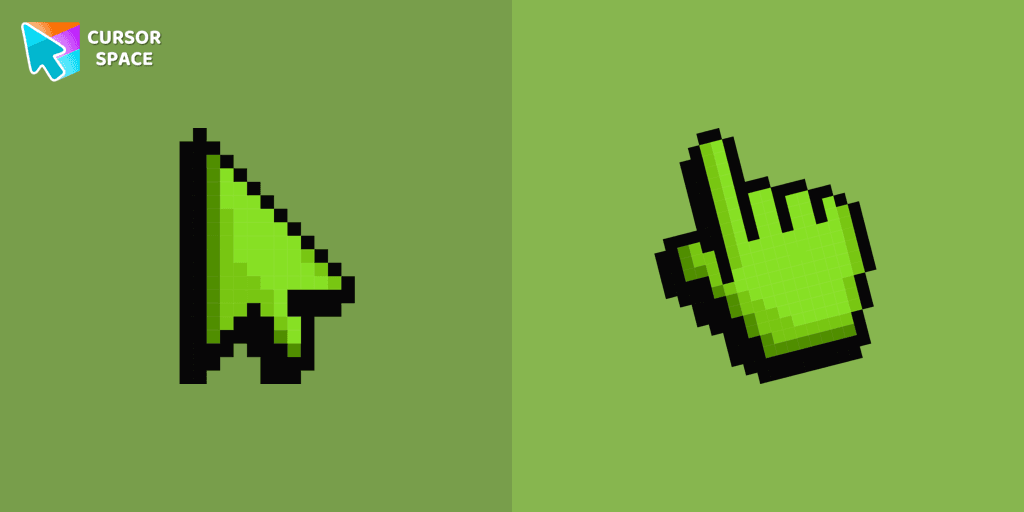
Default Green Pixel cursor
79FreeDefault Green Pixel Cursor is a custom cursor from our custom cursors collection for Chrome.

Among Us Winnie-the-Pooh Character cursor
79FreeAmong Us Winnie-the-Pooh Character Cursor - A Whimsical Journey in the World of Sweetness and Friendship

Hilda Berg cursor
78FreeTransform your browsing with the Hilda Berg custom cursor for Google Chrome. Enjoy an animated touch of whimsy inspired by the Cuphead boss character

Among Us Blue Character Pixel cursor
78FreeWelcome to the Cute Pixel custom cursors collection, here you will find Among Us Blue character in nice pixel art.
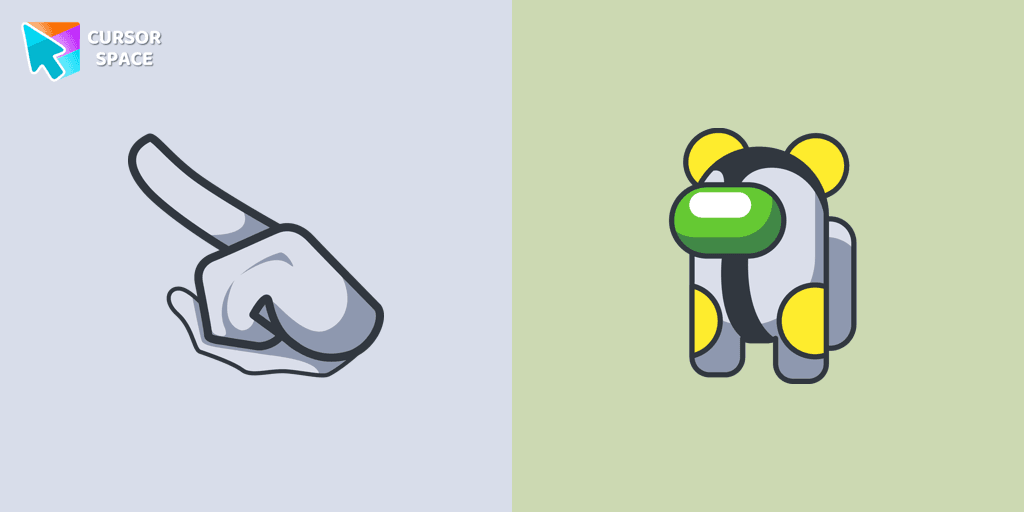
Among Us Cannonbolt Character cursor
78FreeIntroducing the Cannonbolt Character Cursor: Enhancing Your Browser Experience with Cursor Space

Among Us Squid Game Killer Doll Character cursor
78FreeBring the fun of both Among Us and Squid Game to your screen with the custom cursor for Google Chrome. Download the Among Us Squid Game Killer Doll Character now!
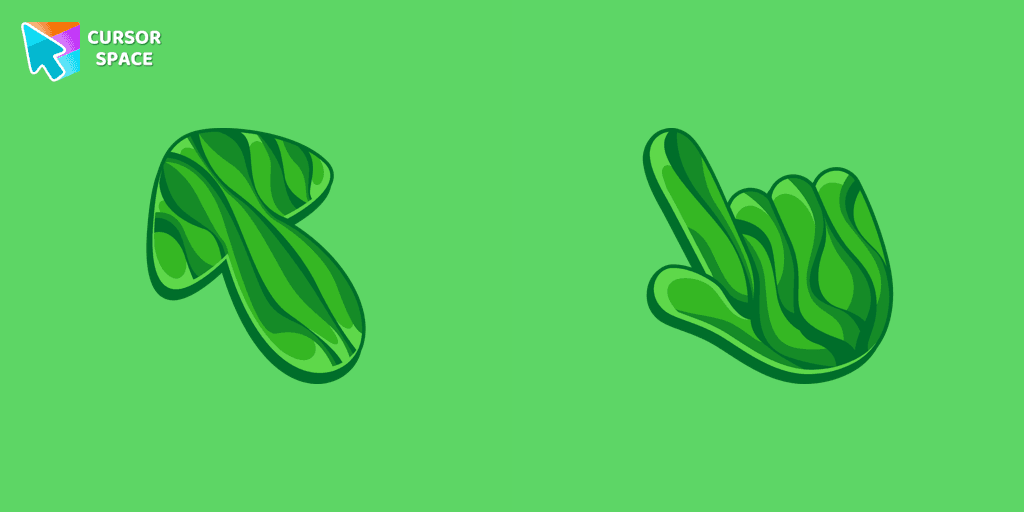
Grass cursor
78FreeDiscover the allure of nature with The Grass cute cursor, a unique addition to The Cursors custom cursors collection.

Black cursor
78FreeReplace the standard cursor with an adorable Black one. Transform the ordinary mouse into a stunningly adorable Black cursor or download a cursor of your choice.

Tartaglia cursor
77FreeOur Genshin Impact custom cursors collection for Chrome will allow you to use the Tartaglia character as a custom cursor for the mouse and pointer.
The Pug Pixel cursor
76FreeCustom cursors with Pug Pixel are a great option in a Cute Pixel cursor collection.
Hopus Pocus cursor
76FreeAdd fun to your browsing with the Hopus Pocus custom cursor. This custom cursor for Google Chrome adds a playful bunny animation to your mouse, brightening your screen.
Among Us Squid Game Gi-Hun Character cursor
76FreeExperience the excitement of custom cursor for Google Chrome with the Among Us Squid Game Gi-Hun Character cursor. A fun blend of two worlds!
Explore cursor packs by style
Cursor Space packs include curated cursor sets for everyday browsing: cute, minimal, anime, neon, pixel art, and more. Each pack comes with multiple cursor states (like default and pointer) and can be added to your browser in seconds.
Trending now
Fresh picks based on what people install most often.
Collections
Browse themed sets grouped by vibe and aesthetic.
Top charts
See weekly, monthly, and all‑time leaders.
How to install a cursor pack
- Open any pack from the grid above.
- Click the install / add button on the pack page.
- If you don’t have it yet, install the Cursor Space browser extension.
- Apply the pack in the extension and enjoy your new cursor.
FAQ
Quick answers to common questions about cursor packs, collections, and installation.
Are cursor packs free on Cursor Space?
Most cursor packs on Cursor Space are free to browse and install. Some packs may be marked premium depending on licensing. The Cursor Space browser extension is free to install from the Chrome Web Store.
Do cursor packs work on Chrome and Edge?
Yes. Install the Cursor Space extension for Chromium-based browsers (Chrome, Edge, Brave), open a pack page, and click install/apply. The extension applies the cursor set across your browser.
How do I install a custom cursor pack?
Open the pack page, click the install or add button, install the Cursor Space extension if prompted, then apply the pack from the extension popup. Your new cursor appears immediately.
Can I change or remove a custom cursor later?
Yes. Open the Cursor Space extension, choose another pack, or restore the default system cursor from the extension settings.
Is the Cursor Space extension safe?
Cursor Space is distributed via the Chrome Web Store and Edge Add-ons. Keep the extension updated, and only install packs from trusted catalog pages on this site.